
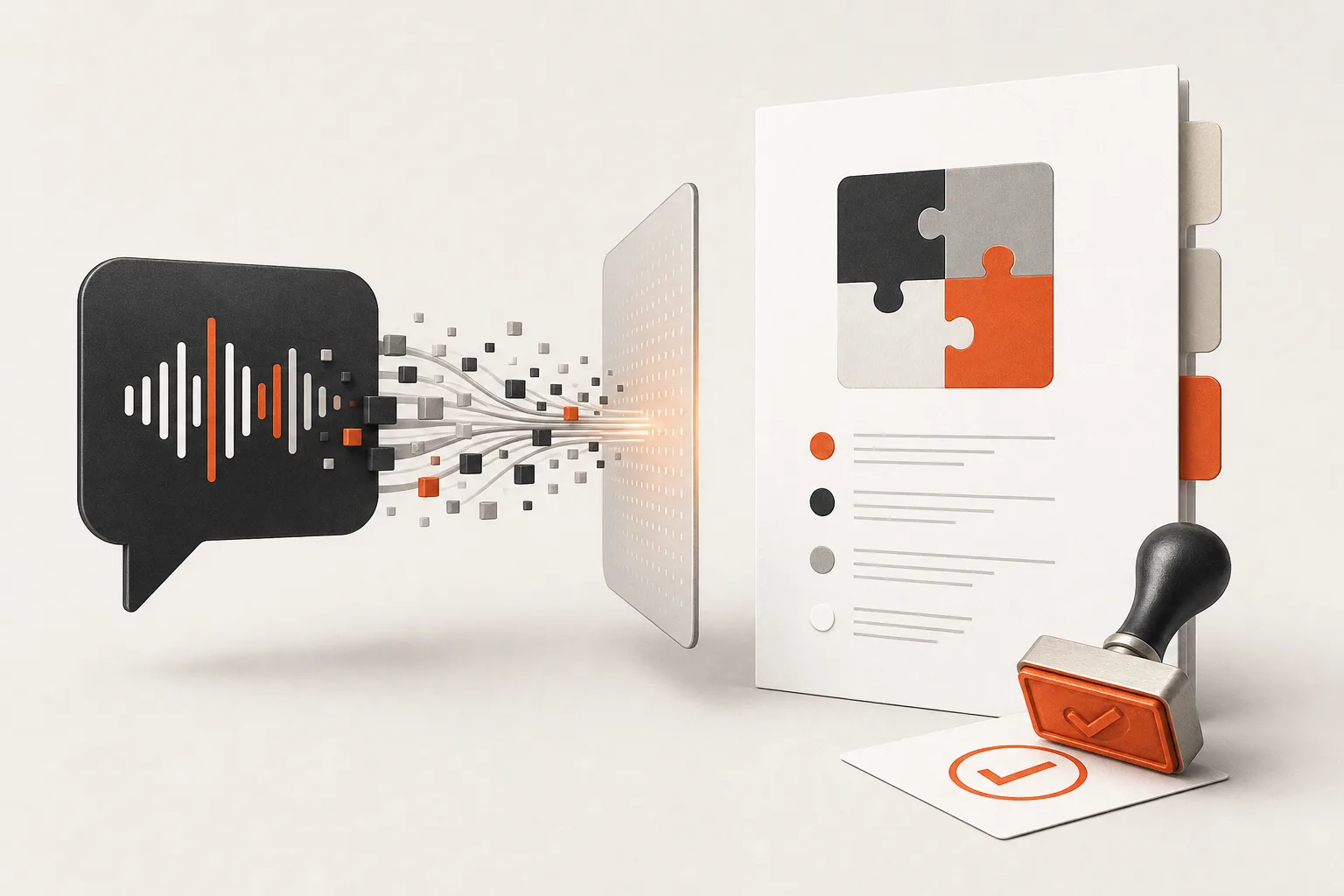
A client call ends. Everyone sounds aligned. Then you open the transcript and find three versions of the project hiding inside one conversation.
The client described a desired outcome. You suggested an approach. Someone mentioned a possible integration. A deadline was discussed but not agreed. An acceptance standard was implied, not stated.
A generic AI meeting summary can turn that ambiguity into polished prose. That is useful for recall, but dangerous for scope. A clean sentence is not proof that a decision was made.
The practical rule is simple: AI can draft the scope. Only the client can approve it.
Use AI as a traceability and drafting layer between a call and an explicit client confirmation. This protects the client from assumptions, protects your team from scope creep, and gives everyone a usable project baseline.
The two-pass workflow
Do not ask AI to turn a transcript straight into a statement of work. Separate extraction from judgment.
- Pass one: extract an evidence ledger. AI identifies what was said, who said it, when they said it, and how certain the item is.
- Human review: you resolve ambiguity, contradictions, and commercial or delivery risk.
- Pass two: draft the scope from confirmed items only. AI creates a client-facing scope and a focused confirmation email.
- Client approval: the client explicitly confirms or corrects the scope before work begins.
- Baseline and change control: save the approved version, then log later requests as changes rather than quietly absorbing them.
This is more disciplined than “summarize this meeting,” but it is also faster than manually reconstructing a call from memory.
Step 0: Set the preflight before you record or upload
Call transcripts can contain commercially sensitive information, personal information, and opinions people would not put in writing. Treat them as client material, not disposable prompt input.
- Tell participants about recording or transcription where appropriate, and obtain any consent your situation requires.
- Use an organization-approved transcription and AI workspace.
- Check where transcripts, prompts, and generated documents are retained.
- Minimize unnecessary personal information before uploading material.
- Decide where the final approved scope will live and who can access it.
This is an operational checklist, not legal advice. The important point is to make the tool choice and handling process intentional before the call, not after a sensitive transcript has already been copied into an unapproved workspace.
Step 1: Build an evidence ledger, not a prose recap
Your first AI output should be structured data or a table. Its job is to preserve the difference between a commitment, a request, a proposal, and an idea.
Use these item types:
- Confirmed decision: a clear agreement made during the call.
- Client request: something the client asked for, which may still need feasibility or commercial confirmation.
- Provider proposal: an approach your team suggested, not yet accepted.
- Assumption: something that must be true for the work to proceed but was not confirmed.
- Constraint: a boundary such as a deadline, platform, budget limit, or access restriction.
- Open question: information required before scope can be finalised.
- Follow-up action: a specific next step with an owner and, if stated, a due date.
For every row, capture the statement, speaker, timestamp, a short evidence excerpt or faithful paraphrase, review status, owner, due date, and follow-up question. The timestamp is not bureaucracy. It lets you verify a high-impact detail in seconds instead of rereading an entire call.
Copyable extraction prompt
Review the transcript and create an evidence ledger. Extract only claims supported by the transcript. For every item, provide: item type, statement, speaker, timestamp, evidence excerpt or faithful paraphrase, status, owner, due date if explicitly stated, and follow-up question if needed.
Use only these item types: confirmed decision, client request, provider proposal, assumption, constraint, open question, follow-up action.
Do not infer a commitment from an idea, suggestion, or silence. Do not invent acceptance criteria, dates, budgets, deliverables, technical requirements, or approvals. If speakers conflict or the wording is unclear, mark the item as unconfirmed and explain what requires clarification.
If your AI tool supports structured output, make these fields mandatory. A fixed schema reduces missing fields and makes the workflow repeatable. It does not make the extracted content correct. You still need to review what landed in the fields.
For a reusable version of this kind of setup, use the Reusable Prompt System Builder to define the variables, constraints, and checks your team needs.
Step 2: Review the rows that can hurt you first
You do not need to inspect every low-stakes note with equal intensity. Start with the rows most likely to create cost, delay, or disappointment.
- Price, budget, payment, and commercial terms
- Launch dates, milestones, and turnaround promises
- Named deliverables and quantity limits
- Integrations, data access, security, and technical dependencies
- Approval responsibilities and stakeholder availability
- Explicit exclusions and implied “while you are at it” requests
- Anything marked uncertain or contradicted elsewhere in the call
Ask four questions for each high-risk row:
- Was this actually agreed, or merely discussed?
- Who has authority to approve it?
- Can a third party, access dependency, or client decision block it?
- What would count as accepted delivery?
Do not solve an unclear row by choosing the most convenient interpretation. Convert it into a question for the client. For example: “The call mentioned analytics dashboard access. Please confirm whether dashboard configuration is part of this phase, or whether we are supplying the data export only.”
Step 3: Create the scope from confirmed rows only
Once the ledger is reviewed, ask AI to produce a scope draft using only rows marked confirmed. Open questions stay visible. Assumptions and constraints stay explicit. Provider proposals do not become deliverables unless accepted.
A practical draft contains:
- Objective: the business outcome this project is intended to achieve.
- In-scope deliverables: specific outputs, limits, and relevant implementation details.
- Out of scope: work the project does not include.
- Acceptance criteria: how each material deliverable will be assessed or approved.
- Assumptions and constraints: conditions, deadlines, dependencies, and boundaries.
- Client responsibilities: access, approvals, assets, feedback, or decisions the client must provide.
- Timeline and milestones: only dates and sequencing that are confirmed.
- Open questions: decisions required before work can begin or progress.
Exclusions are especially valuable. They are not hostile fine print. They make the boundary clear enough to evaluate a future request fairly. If the client later asks for something outside the approved list, you have a clean starting point for a change conversation.
Copyable scope-drafting prompt
Create a project scope draft using only ledger items with status “confirmed.” Include objective, in-scope deliverables, out-of-scope items, acceptance criteria, assumptions, constraints, client responsibilities, timeline and milestones, and open questions.
Do not fill gaps with general best practice. Where acceptance criteria, timing, or ownership is missing, retain it as an open question. For each section, list the supporting ledger item IDs for internal review. Produce clear client-ready language, but label the document “Draft pending client confirmation.”
If you need a starting structure before the discovery call, the AI Project Scope Generator can help turn an initial idea into an implementation brief. Use the transcript workflow to test and refine that brief against what the client actually said.
Step 4: Produce two different documents
One document should not serve every audience. Generate an internal register and a client-facing confirmation email.
The internal decision and action register
Keep the full ledger, reviewer notes, contradictions, unresolved questions, owners, and next actions. This is your working record. It should be candid and detailed enough for delivery, sales, and operations to understand what still needs a decision.
The client scope-confirmation email
The email should be short, concrete, and impossible to misread as a vague “looks good?” request. It should list the material points the client needs to confirm or correct.
Subject: Confirmation of project scope and next steps
Thanks for the discussion. Before we begin, please confirm or correct the following:
1. Deliverables: [list]
2. Exclusions: [list]
3. Acceptance criteria: [list]
4. Client responsibilities and required access: [list]
5. Timeline and milestones: [list]
6. Open questions requiring your decision: [list]
Once these points are confirmed in writing, we will treat the attached scope as the project baseline and schedule the next step.
That final sentence matters. A draft generated by AI is still a draft. Silence is not approval, and “sounds good” may not be enough when deliverables, timing, or exclusions remain unresolved.
Step 5: Baseline the approved scope and log changes
When the authorised client contact confirms the scope, save the approved version with the approval date and approver. Keep it alongside the relevant call evidence and your final internal register.
Then use a simple change log for later requests: date, request, reason, impact on deliverables or timeline, decision owner, and approval status. This does not need to be complicated. Its purpose is to stop new work from entering the project disguised as a small clarification.
If this process exposes repeated handoffs between sales, delivery, and clients, map them before automating them. The SOP-to-Automation Mapper is useful for identifying where human review and approval checkpoints must remain.
Five failure modes to avoid
- Trusting a generic summary: summaries compress nuance and can make tentative discussion sound final.
- Leaving exclusions blank: anything unspecified can become a future argument.
- Treating silence as approval: approval must be explicit and attributable.
- Sending an unreviewed AI draft: review high-risk fields before anything reaches the client.
- Using the wrong tool for sensitive material: handle recording, retention, access, and AI use deliberately.
Make the workflow a standard, not a rescue move
The best time to create a defensible scope is immediately after the call, while the evidence is fresh and before memory turns a proposal into an agreement.
Start small: run this workflow on your next discovery call. Build the ledger, inspect the risky rows, draft from confirmed items only, and ask for specific written confirmation. After three to five calls, turn the prompts, review checklist, email, and change log into a team SOP.
That is where AI earns its place: not by pretending to decide what was agreed, but by making your professional judgment faster, more traceable, and easier for a client to approve.